8679060210 Toyota CAMERA ASSY, TELEVISION, FR, Price: 768.70$, Weight: 0.348kg
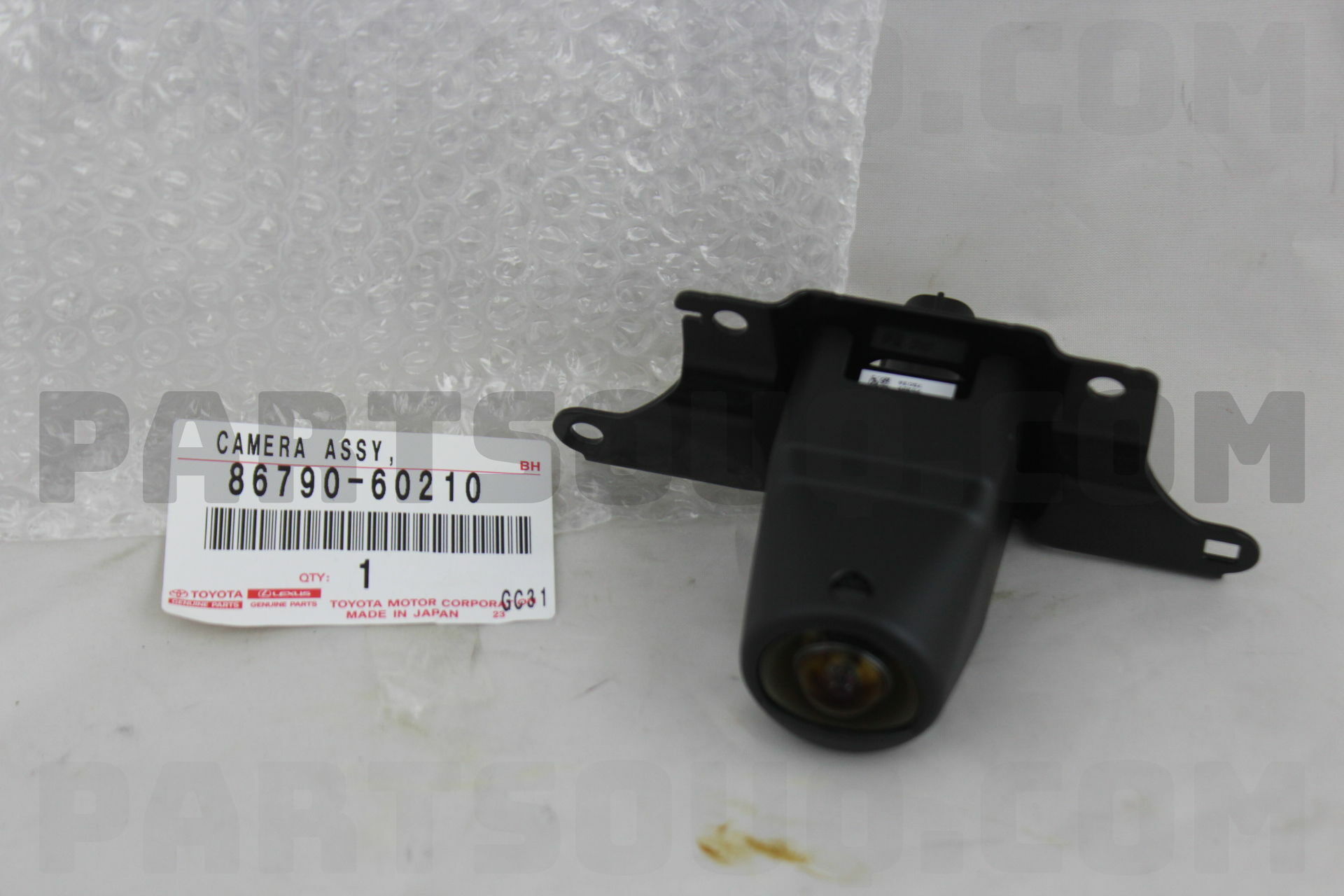

| Make | Number | Name | Availability | Weight, kg | Ship in, Days | Price |
|---|---|---|---|---|---|---|
Toyota |
8679060210 |
CAMERA ASSY, TELEVISION, FR |
5 |
0.348 |
2-3 |
768.70$ |
Originals
| Make | Number | Name | Availability | Weight, kg | Processing, days | Price | |
|---|---|---|---|---|---|---|---|
| Toyota |
CAMERA ASSY, TELEVISION, FR
|
5 |
0.4
|
|
922.44$
|
Compatibility
| Description | Model | Options | Prod Period | Diagram |
|---|---|---|---|---|
| URJ20#,VDJ201 | URJ202R-GNTGKQ | ATM,MTM: AUTOMATIC TRANSMISSION; Driver's Position: RIGHT-HAND DRIVE VEHICLES; Gear Shift Type: ATM, 6-SPEED FLOOR SHIFT; Engine: (1URFE) 4600CC 32-VALVE DOHC EFI; Destination: AUSTRALIA | 01.2012 - 09.2015 | View |
| Description | Model | Options | Prod Period | Diagram |
|---|---|---|---|---|
| URJ201,VDJ201 | URJ201L-GNTGKW | ATM,MTM: AUTOMATIC TRANSMISSION; Seating Capacity: 8-SEATER; Gear Shift Type: ATM, 6-SPEED FLOOR SHIFT; Engine: (3URFE) 5700CC 32-VALVE DOHC EFI | 11.2007 - 09.2015 | View |
| Description | Model | Options | Prod Period | Diagram |
|---|---|---|---|---|
| URJ201 | URJ201L-GNTGKA | ATM,MTM: AUTOMATIC TRANSMISSION; Gear Shift Type: ATM, 6-SPEED FLOOR SHIFT; Engine: (3URFE) 5700CC 32-VALVE DOHC EFI | 11.2007 - 09.2015 | View |
Front View Camera Module for Toyota Vehicles
This genuine-style forward camera restores a clear, wide image to your factory multimedia and parking assist system. Designed for select Toyota models, it integrates with the head unit and panoramic/around‑view monitor to make tight maneuvers safer, protect bumpers, and improve confidence in city traffic.
Why you need it
Replace the unit if the lens is scratched, the picture is foggy, or water has seeped in after a minor impact. A working grille/bumper camera gives crisp guidelines, shows curbs and low obstacles, and supports OEM parking features for a smooth driving experience.
How it works
A high‑sensitivity CMOS sensor and wide‑angle lens capture the road ahead. The video travels via a shielded harness to the ECU, which corrects distortion and can stitch with side/rear views for a bird’s‑eye image. The sealed body and precise bracket keep alignment stable in heat, rain, and vibration.
When it’s faulty ⚠️
Symptoms include black/blue screen, “Check camera” message, heavy noise, moisture inside the lens, tilted image, or delayed switching. Around‑view may refuse front display. Ignoring it raises the risk of curb rash and blind‑zone bumps.
Install tips ✅
Mount in the original bracket, click‑lock the connector, and route wiring away from heat. After replacement, run PVM/guide calibration with a scan tool and clean the lens for best results.