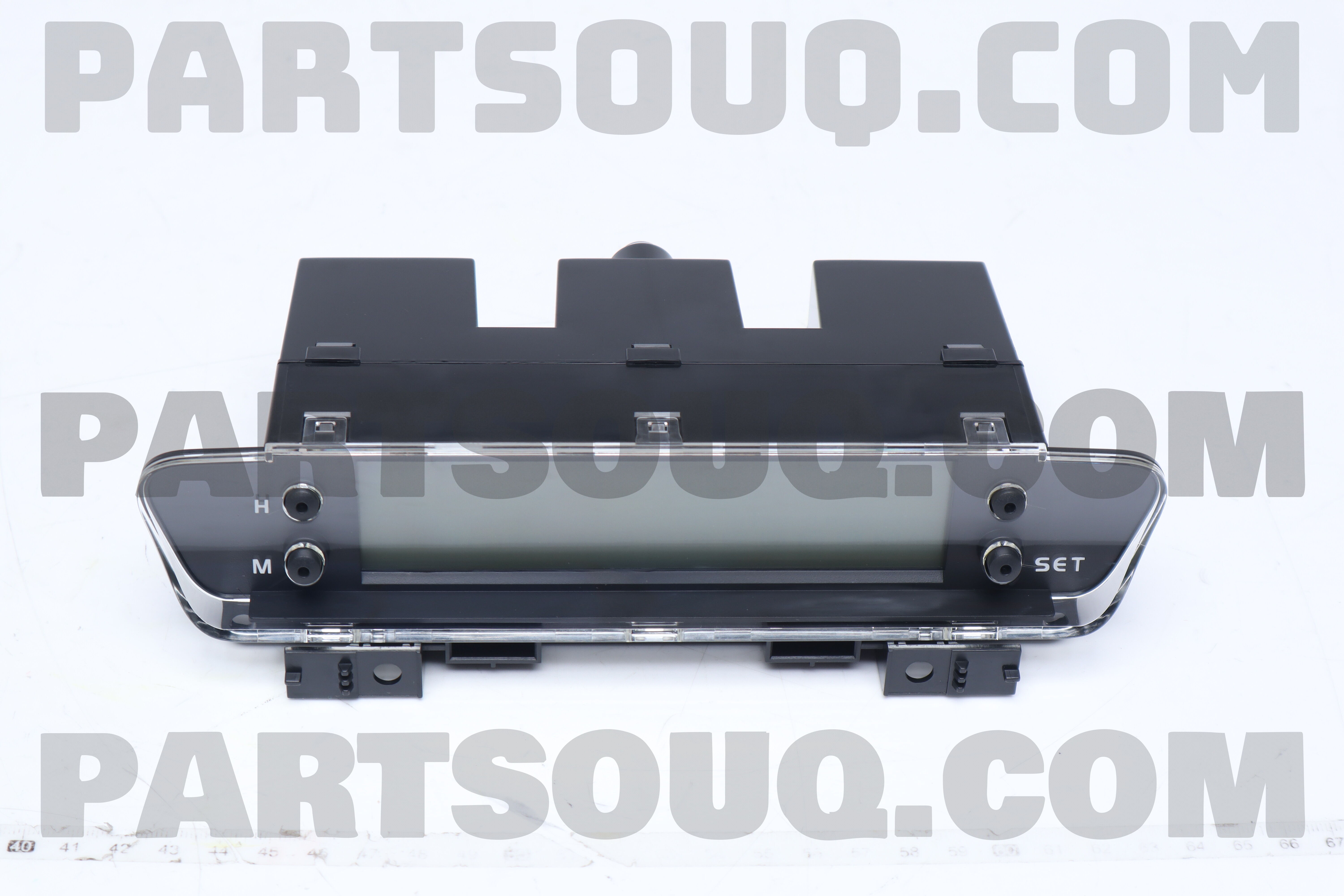
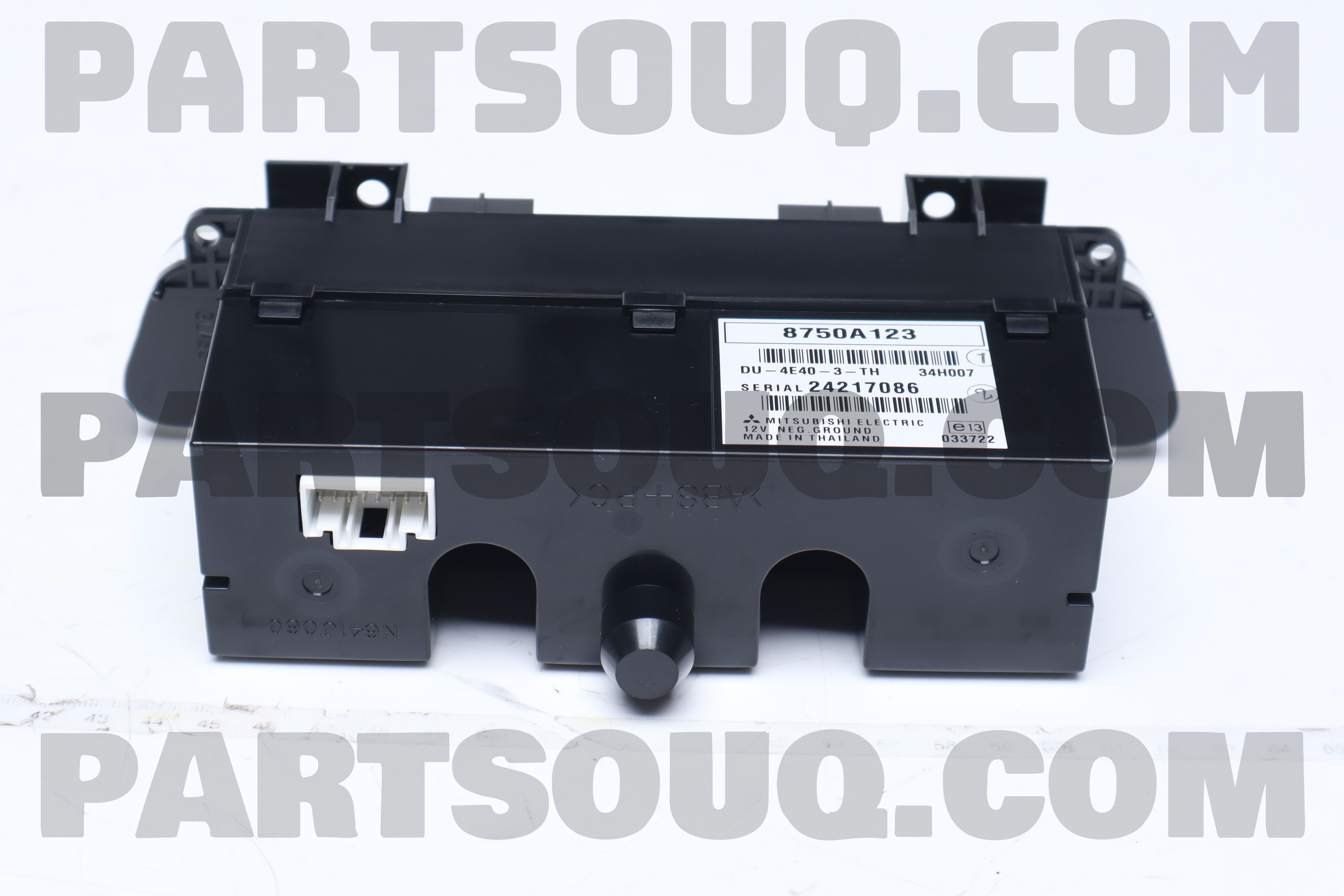
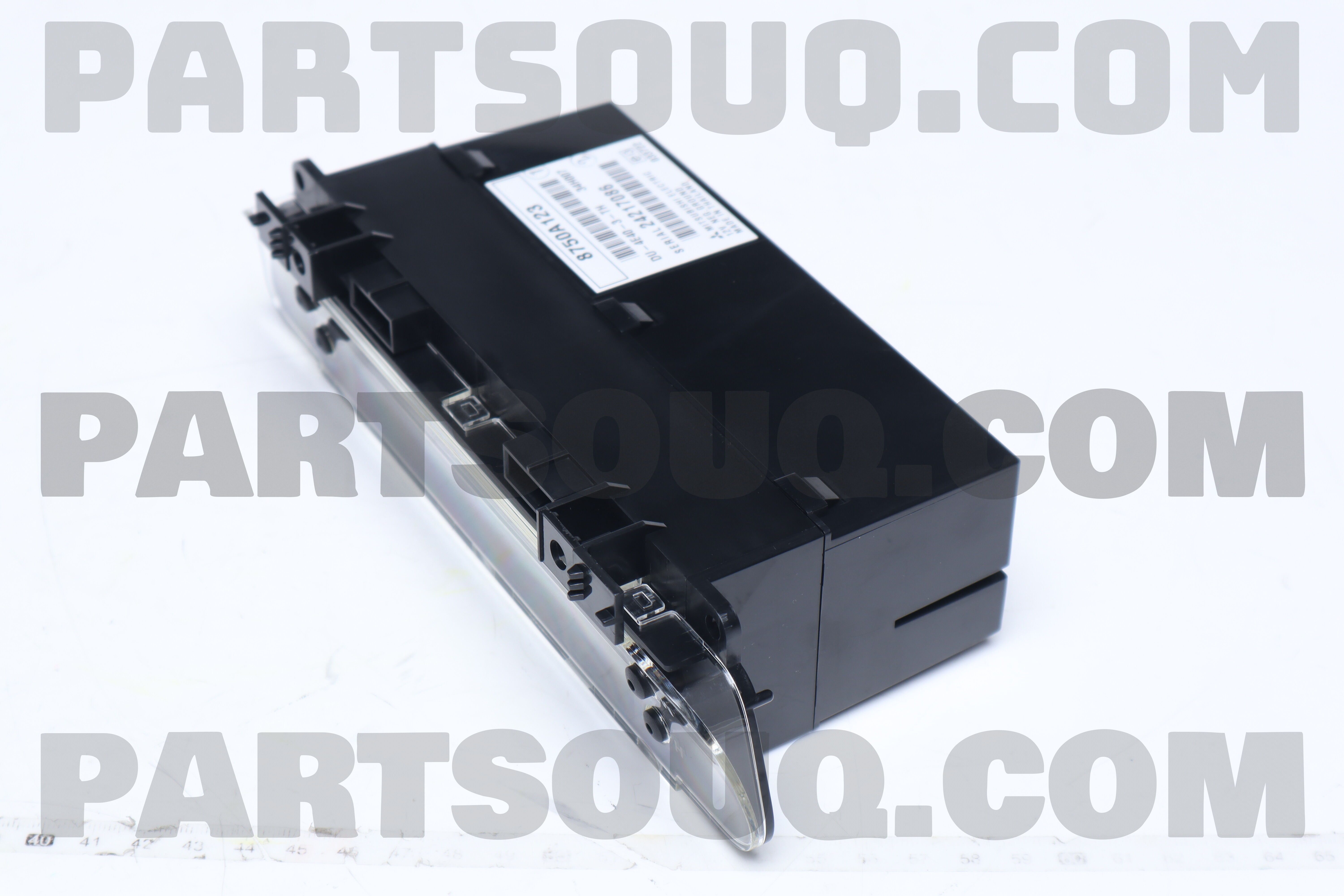
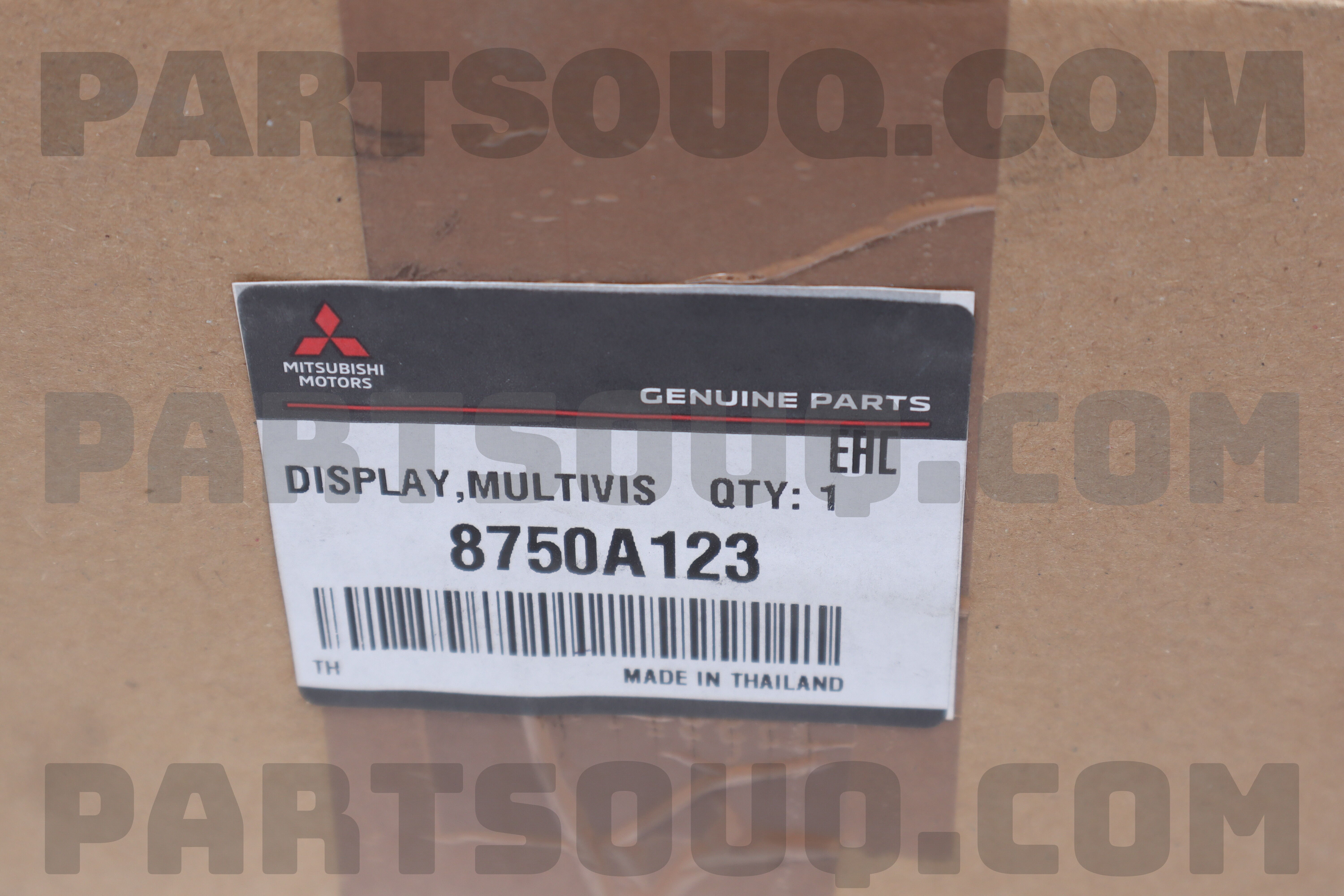
8750A123 Mitsubishi DISPLAY,MULTIVISION, Price: 363.22$, Weight: 0.6kg

| Make | Number | Name | Availability | Weight, kg | Ship in, Days | Price |
|---|---|---|---|---|---|---|
Mitsubishi |
8750A123 |
DISPLAY,MULTIVISION |
0 |
0.6 |
15-20 |
363.22$ |
| Not Available | ||||||
Originals
| Make | Number | Name | Availability | Weight, kg | Processing, days | Price | |
|---|---|---|---|---|---|---|---|
| Mitsubishi |
DISPLAY,MULTIVISION
|
0 |
0.69
|
-
|
363.22$
|
Not Available |
OEM Multimedia Center Screen for Mitsubishi
Restore your cockpit with this factory-style multi‑function display ?. It sits in the center dash and links to radio, Bluetooth, camera input, trip computer, and climate data. Clear graphics, fast wake‑up, and perfect fitment keep your cabin looking stock and smart. Built to match OEM connectors and mounting points for a clean plug‑and‑play feel ?.
Why you need this part
If your original screen is dim, cracked, flickering, or unresponsive, you lose quick access to audio, phone, and vehicle info. Replacing the module brings back safe, glanceable control and keeps steering‑wheel buttons and factory wiring working as designed.
How it works
The head unit sends video and data over CAN/LVDS to the display. The panel’s controller board regulates power, handles touch inputs, and renders menus. Backlight LEDs provide uniform brightness; the bezel and brackets lock into the dash to prevent vibration.
What happens when it fails
Common faults: no image, ghost touches, washed colors, or random restarts ⚠️. You may lose camera view, clock/trip data, and audio menus. In some cars, HVAC information won’t show. Driving distraction increases and resale value drops. A fresh screen restores full functionality ✅.
Installation notes
Disconnect battery, transfer side brackets, connect OEM plugs, and test before final fit. No coding is usually required. Keep fingerprints off the panel; update head‑unit settings if available.
- Colt<5Door>
- Colt<3Door>